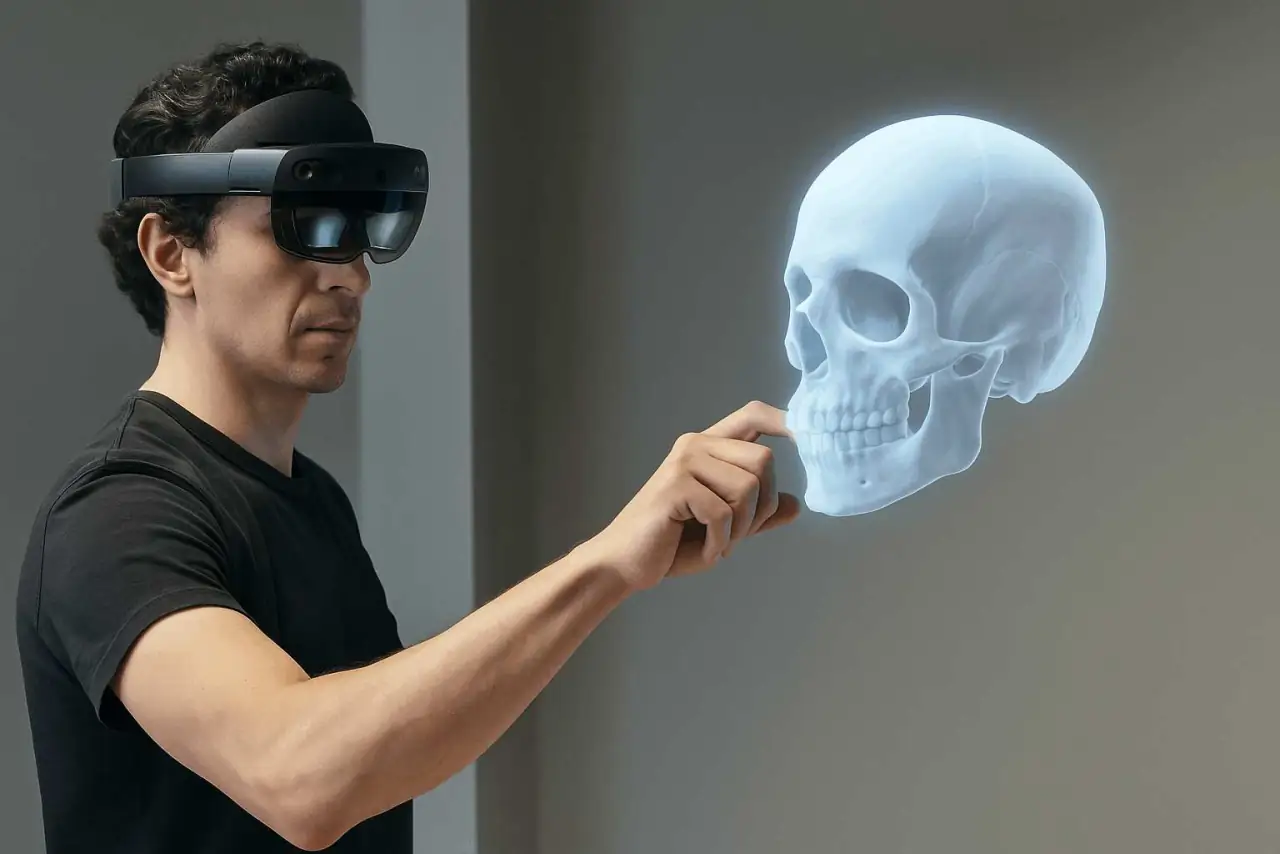
VR Interactive Training
For individual or small-group 3D scenarios with spatial observation and interaction.
Plan activity boundaries, device fitting and cleaning, management and faculty observation.
 Yujie MedicalAI+XR Medical Simulation
03 / XR Hardware
Choose devices and spaces after defining what learners need to do.
For individual or small-group 3D scenarios with spatial observation and interaction.
Plan activity boundaries, device fitting and cleaning, management and faculty observation.
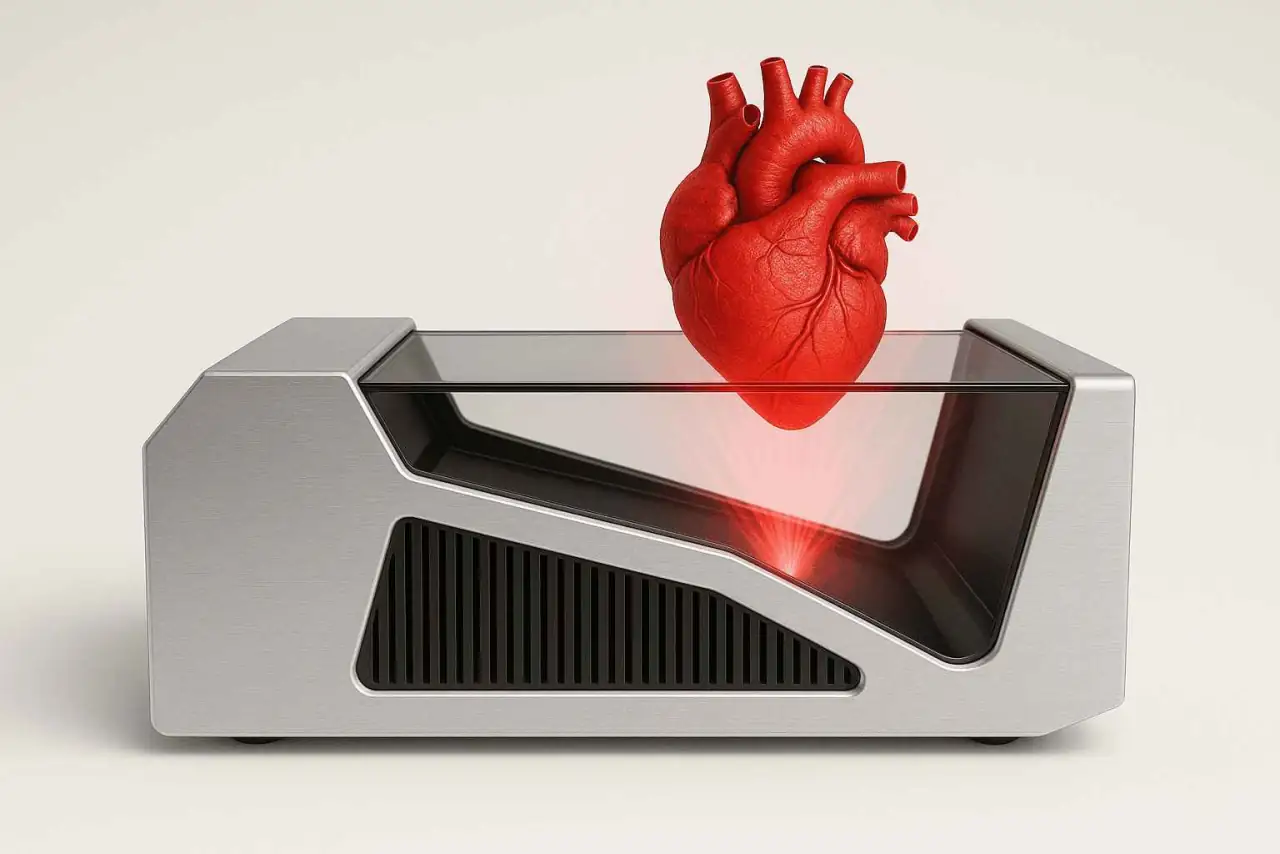
For facilitated spatial demonstrations, structure explanations and group observation.
Check ambient light, projection distance, viewing angles, input devices and content compatibility.
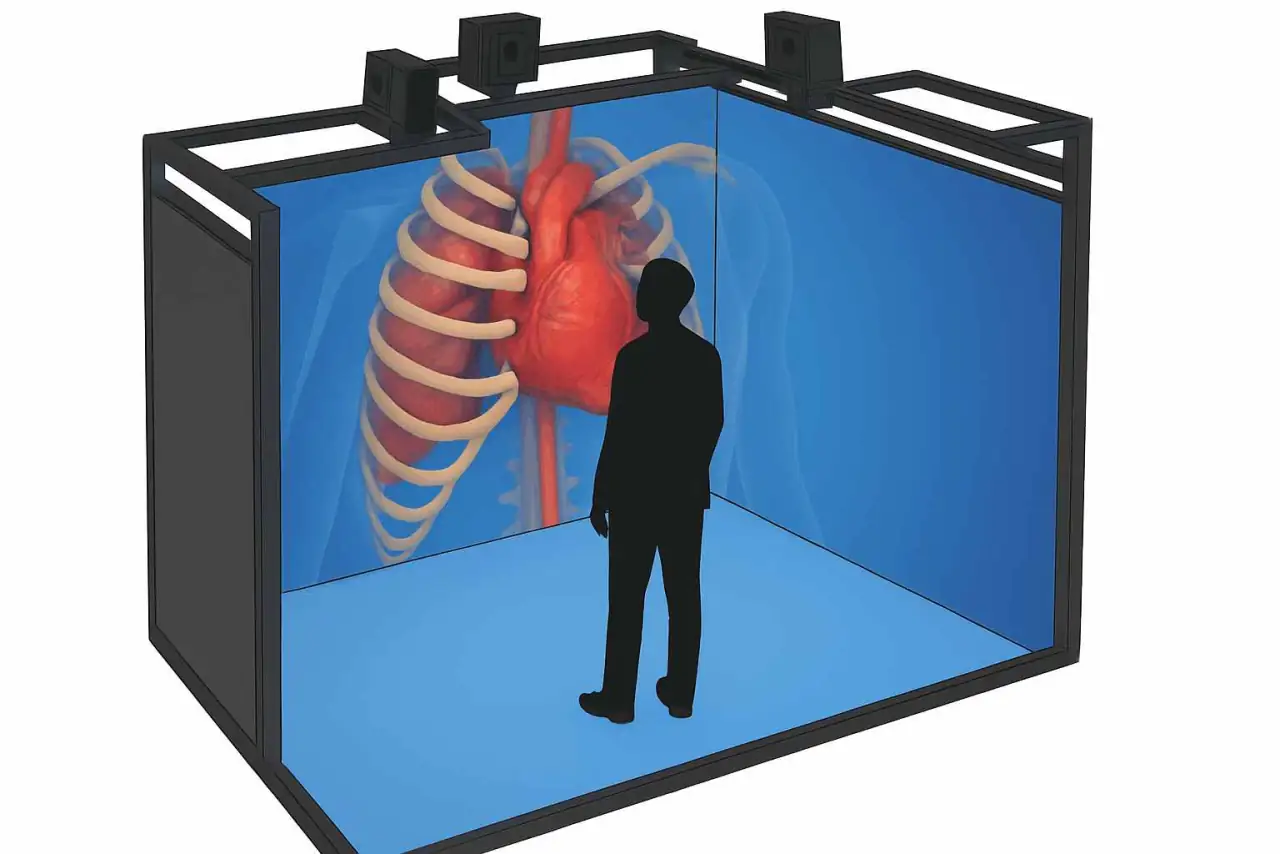
For scenarios needing multi-sided views, spatial awareness and team discussion.
Check clear room dimensions, calibration, group viewing and maintenance.
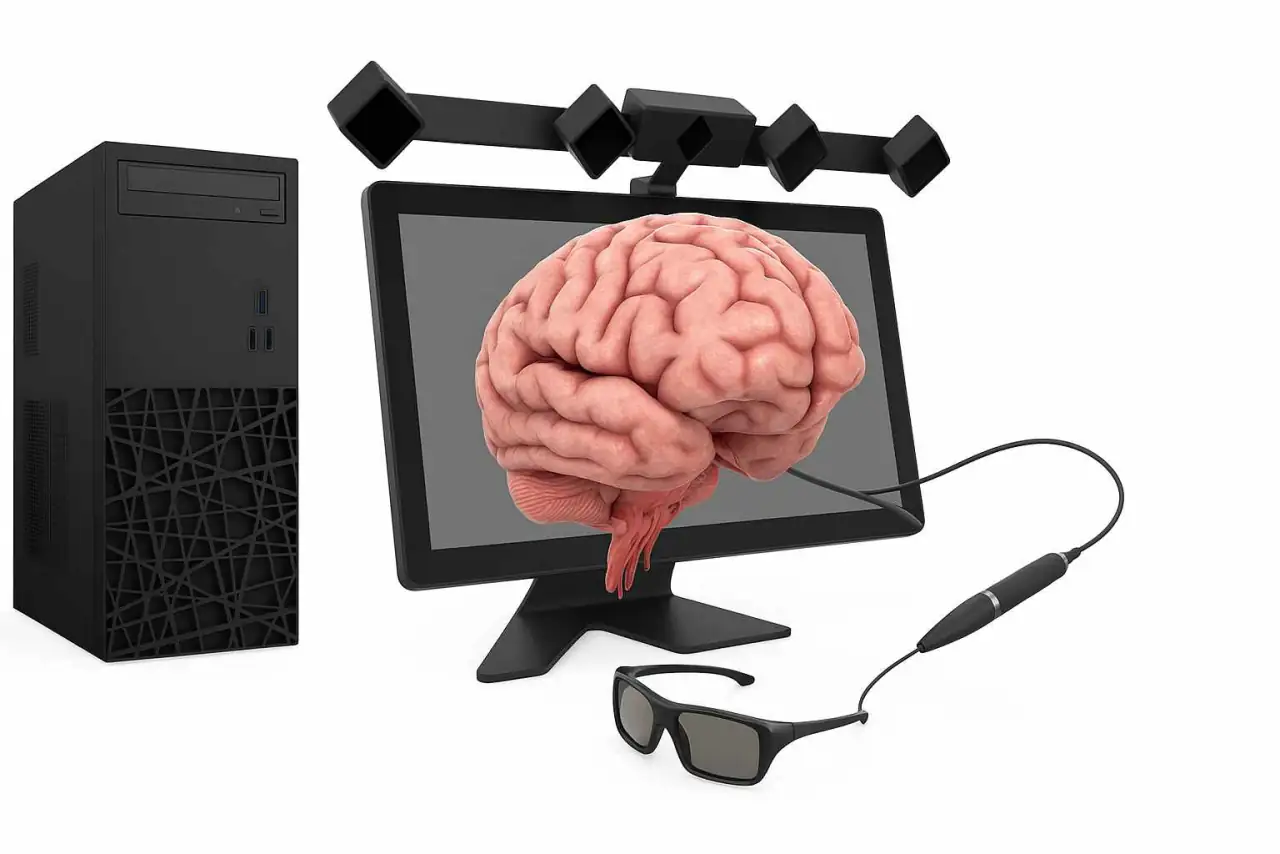
For routine courses, case practice and small-group rotations.
Define seating, input methods, course access and concurrent use.
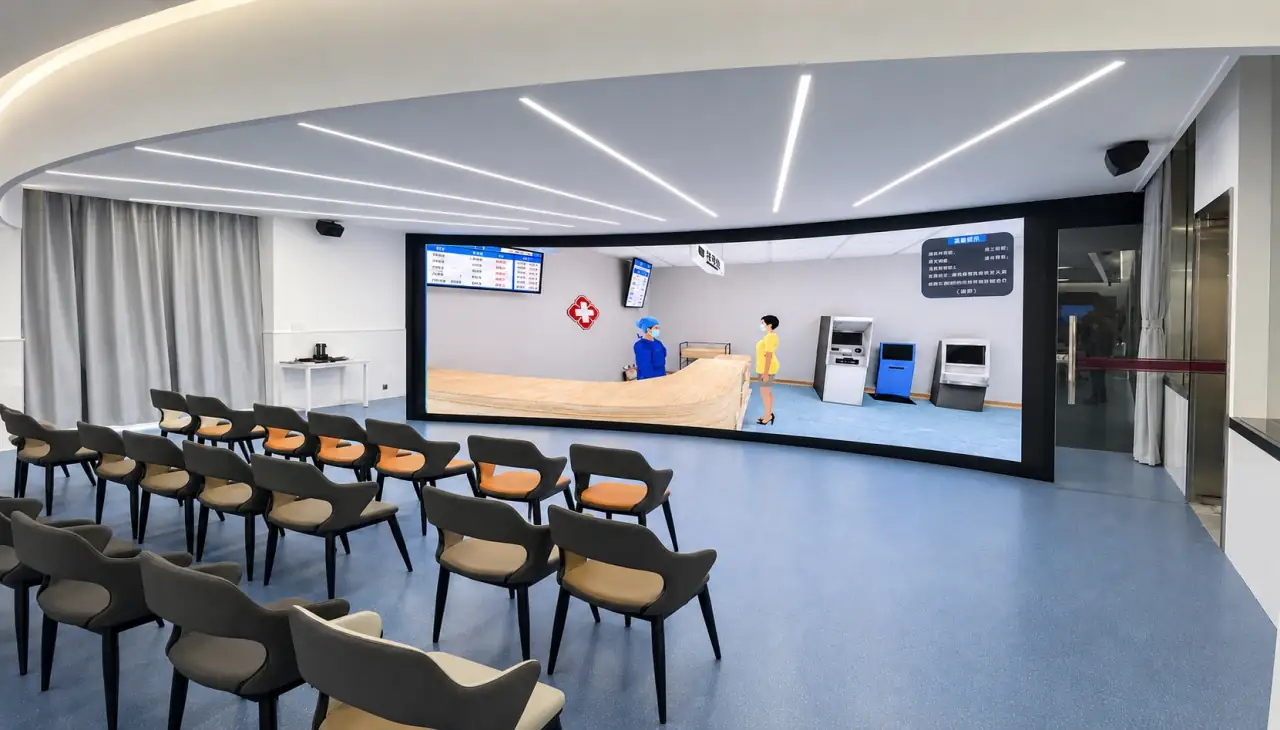
For large-format teaching, scenario presentation and collective discussion.
Check viewing distance, display adaptation, power, cooling and interaction.
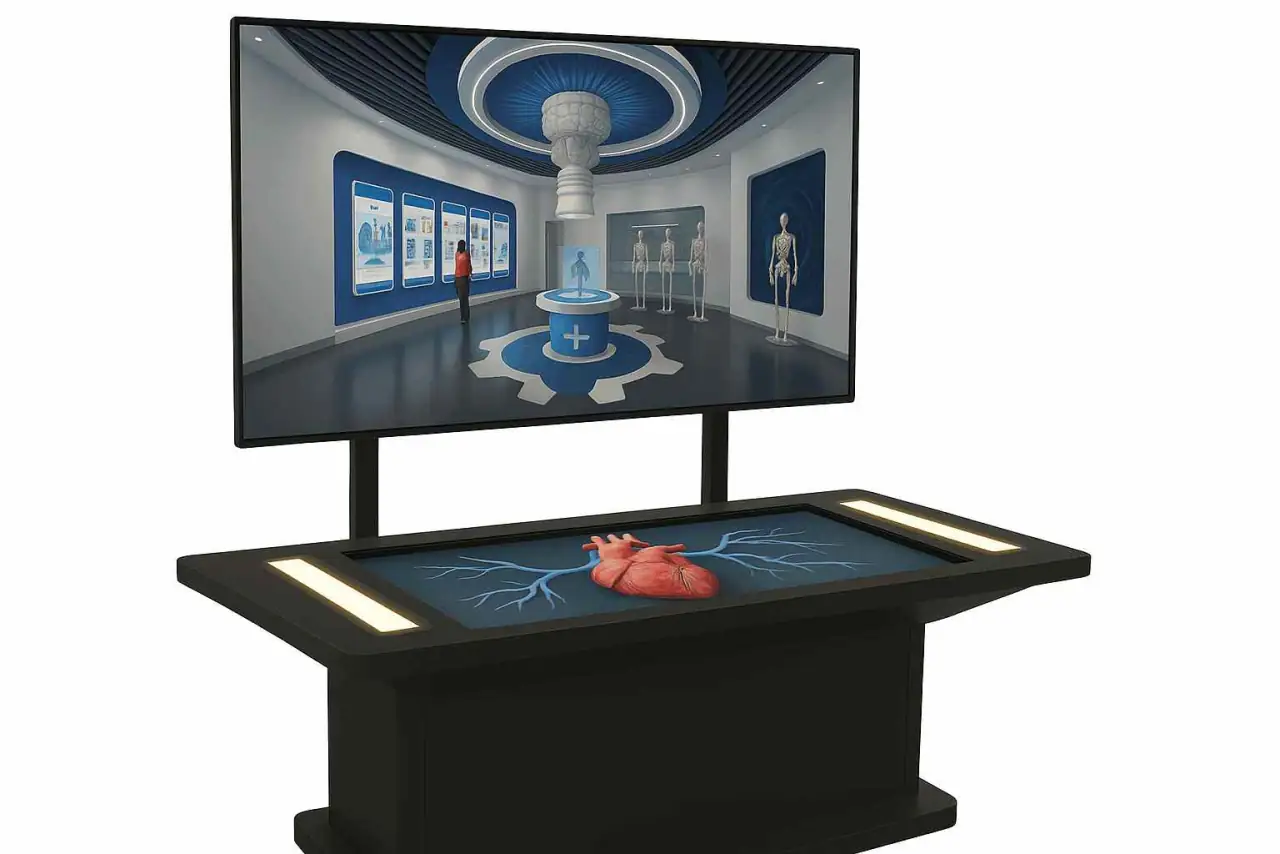
For collaborative model observation and explanation.
Check model presentation, tracking conditions, circulation and content compatibility.
| Device | Teaching use | On-site checks |
|---|---|---|
| VR Interactive Training | For individual or small-group 3D scenarios with spatial observation and interaction. | Plan activity boundaries, device fitting and cleaning, management and faculty observation. |
| 3D Projection Interaction | For facilitated spatial demonstrations, structure explanations and group observation. | Check ambient light, projection distance, viewing angles, input devices and content compatibility. |
| CAVE Immersive System | For scenarios needing multi-sided views, spatial awareness and team discussion. | Check clear room dimensions, calibration, group viewing and maintenance. |
| Desktop Interactive Terminal | For routine courses, case practice and small-group rotations. | Define seating, input methods, course access and concurrent use. |
| Immersive LED Interaction | For large-format teaching, scenario presentation and collective discussion. | Check viewing distance, display adaptation, power, cooling and interaction. |
| AR Display Table | For collaborative model observation and explanation. | Check model presentation, tracking conditions, circulation and content compatibility. |
No. Interview practice, course management and some 3D teaching can use computers or other devices. Use headsets when the task benefits from an immersive viewpoint and spatial interaction.
First review content, room conditions, group size and interaction. Resolution, display dimensions and tracking should be specified after teaching demonstrations and on-site checks.
In addition to normal operation, test real course content, interaction, display, network, rotation and faculty observation. Confirm training, maintenance and safe-use arrangements.
Discuss your courses, training tasks, rooms and existing equipment to plan a demonstration and define project requirements.
Contact Yujie · Discuss a Plan